Whirlpool Dishwasher Not Starting: Here’s How to Reset It
- homeappliances003
- Mar 12, 2025
- 4 min read
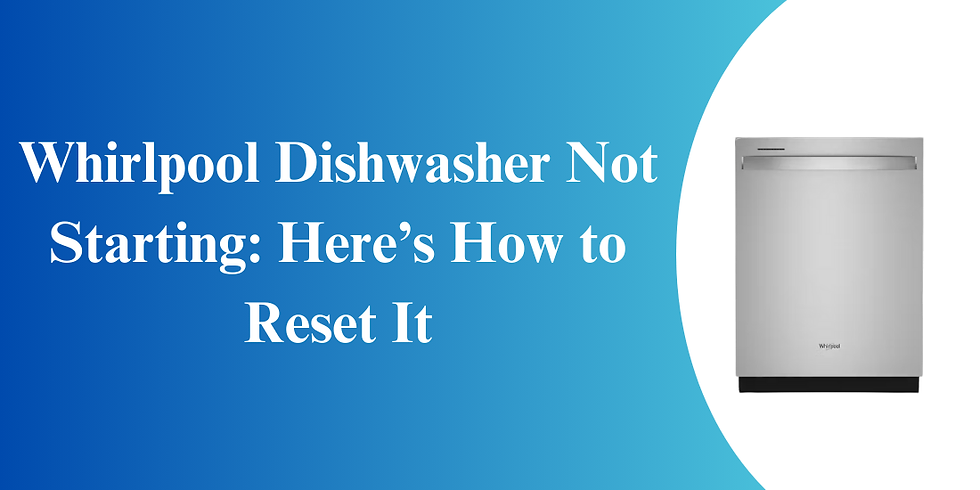
A Whirlpool dishwasher is a very important appliance in the modern kitchen as it helps in washing the dishes in a very short time. However, when it is suddenly not starting, it can be a very annoying situation. Whether it is in a loop or non-responsive, there is always a solution that can be applied. One of the simplest solutions is to reset the dishwasher as it can fix minor issues and bring the appliance back to life. In this article, we will guide you on how to reset your Whirlpool dishwasher and what to do if your dishwasher is not starting.
How to Reset Your Whirlpool Dishwasher that Won’t Start
Here are the steps to reset your whirlpool dishwasher that won’t start.
1. Shut Off the Water Supply
The water supply is crucial for your dishwasher’s function. If there’s a disruption, it might fail to start or complete a cycle.
Locate the water shut-off valve: Find the water shut-off valve that connects the dishwasher to your home’s water supply. This is typically located under the sink, near the dishwasher.
Turn off the valve: Turn the valve clockwise to shut off the water supply. Wait for a few minutes before turning it back on to ensure any water pressure buildup or issues are resolved.
Once the water supply is restored, try restarting your Whirlpool appliance part to see if it begins working.
2. Check If the Dishwasher Is in Sleep Mode
Some Whirlpool dishwashers enter "sleep mode" to save energy, causing the display to appear off.
Exit sleep mode: To exit sleep mode, press any button on the control panel. On most models, you can also press and hold the ‘Start/Cancel’ button for a few seconds to wake the appliance up.
Check the display: The dishwasher’s display should light up when it exits sleep mode, and the control panel should be responsive.
3. Disable Control Lock or Child Lock Feature
Control or Child Lock can prevent your dishwasher from starting.
Control Lock: This feature locks the control panel to prevent accidental button presses. If the control lock is on, the dishwasher won’t respond to any commands.
To disable the control lock, press and hold the ‘Control Lock’ button (which may be labeled with a padlock icon) for about 3-5 seconds, depending on your dishwasher model.
Child Lock: This feature works similarly to the control lock but is specifically designed to prevent children from interfering with the dishwasher.
If the child lock is enabled, you may need to hold down the ‘Child Lock’ or ‘Control Lock’ button for several seconds to deactivate it.
4. Ensure the Delay Wash Option Is Not Selected
If the Delay Wash function is enabled, the dishwasher won’t start immediately.
Check for delay settings: Look at the control panel for any indications that the Delay Wash function is activated (usually represented by a clock icon or the word “Delay”).
Cancel the delay: If you find that Delay Wash is enabled, press the ‘Cancel/Drain’ button or adjust the settings to remove the delay. You can then try starting the dishwasher again.
5. Check If the Door Is Properly Latched
Dishwashers won’t start if the door isn’t securely closed.
Check the door latch: Pull and push the door of the dishwasher to ensure that it locks and unlocks properly. If the latch is broken or not properly aligned, then it will require repair or replacement.
Check that the door is properly closed: Make sure that no objects or items are blocking the door from closing. If the door is slightly opened, it may activate the safety switch and thus prevent the dishwasher from starting.
When a Reset Doesn’t Work: Additional Troubleshooting Tips
If a reset doesn’t work, further troubleshooting is needed. Here are additional tips to help resolve the issue.
1. Inspect the Control Board and Buttons
Your dishwasher may not start due to a broken control board or broken buttons. It could be necessary to examine the control board if pressing buttons doesn't result in the intended reaction.
Check the buttons: To check for stuck or unresponsive buttons, press each button on the control panel.
Examine the control board: To identify and fix a problem, you might need to get in touch with a qualified expert if you think the control board is broken. The dishwasher may occasionally not start or respond due to a malfunctioning board.
2. Examine the Door Switch
The door switch ensures that the dishwasher can only operate when the door is properly closed. If the switch is faulty or damaged, it may prevent the dishwasher from starting.
Test the door switch: You can test the door switch by manually activating it with a tool or pressing it gently to check for any signs of malfunction.
Replace the door switch: If the switch is broken, it should be replaced to restore normal functionality to the dishwasher.
3. Check for Error Codes
Many Whirlpool dishwashers have a built-in diagnostic system that will display error codes when something goes wrong. To find out what an error code means and potential fixes, refer to your user manual.
Common error codes: Some common error codes include F1, which typically indicates a water supply issue, and F2, which could signal a drainage problem.
Contact Whirlpool support: If you can’t resolve the error based on the code, contact Whirlpool customer support for more guidance.
If the above steps of resetting the Whirlpool dishwasher and solving other related problems do not work, it is advisable to seek the services of a professional technician. If done correctly, you will have your dishwasher up and running and make washing dishes a much simpler task.
Written by Allen Rode for HnKParts, a trusted provider of high-quality appliance parts, offering a wide range of replacement components for Dryers, Dishwashers, and more.


Comments